
Every platform, one app
Samsung Tizen, LG webOS, Android TV and Android phones. Same account, pick up where you left off on any screen.

Live TV, movies and series — on Samsung, LG, Android TV and your phone, in a single cinematic interface.
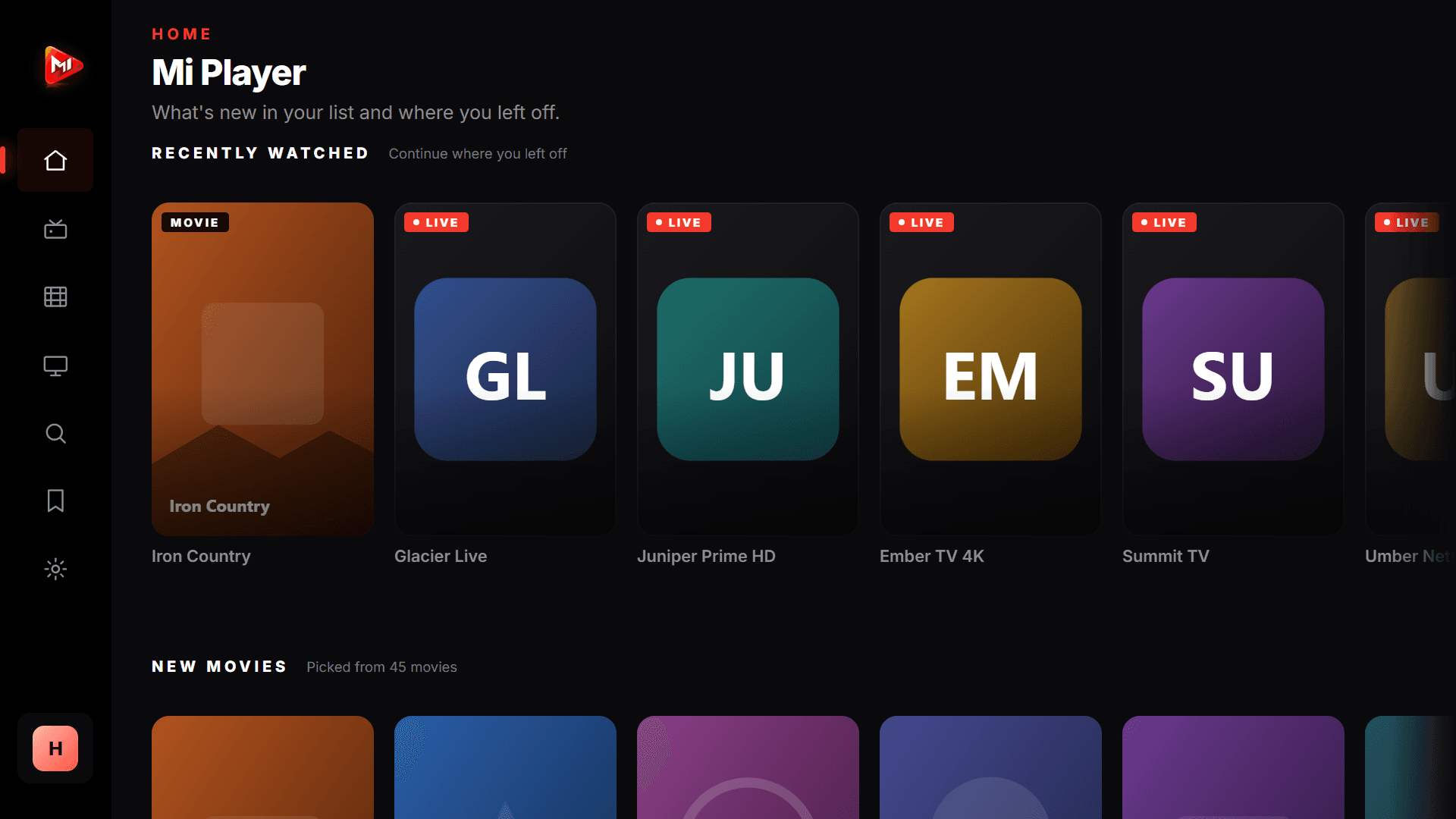
Your library
Add your source and watch your channels, movies and series line up with their posters in a cinematic interface.
Action
The Last Frontier
Thriller
Midnight
Drama
Deep Waters
Sci-Fi
Crimson Dawn
Adventure
Desert Wind
Crime
Silent Witness
Fantasy
Stardust
Thriller
Last Breath
Drama
The Neighborhood
Romance
First Snow
Sci-Fi
Time Gate
Thriller
Shadow Play
History
Golden City
Adventure
Lost Island
Drama
Heart of the City
Documentary
Frozen Lands
Channels and titles shown are illustrative. Mi Player does not provide content; it only plays the sources you add.
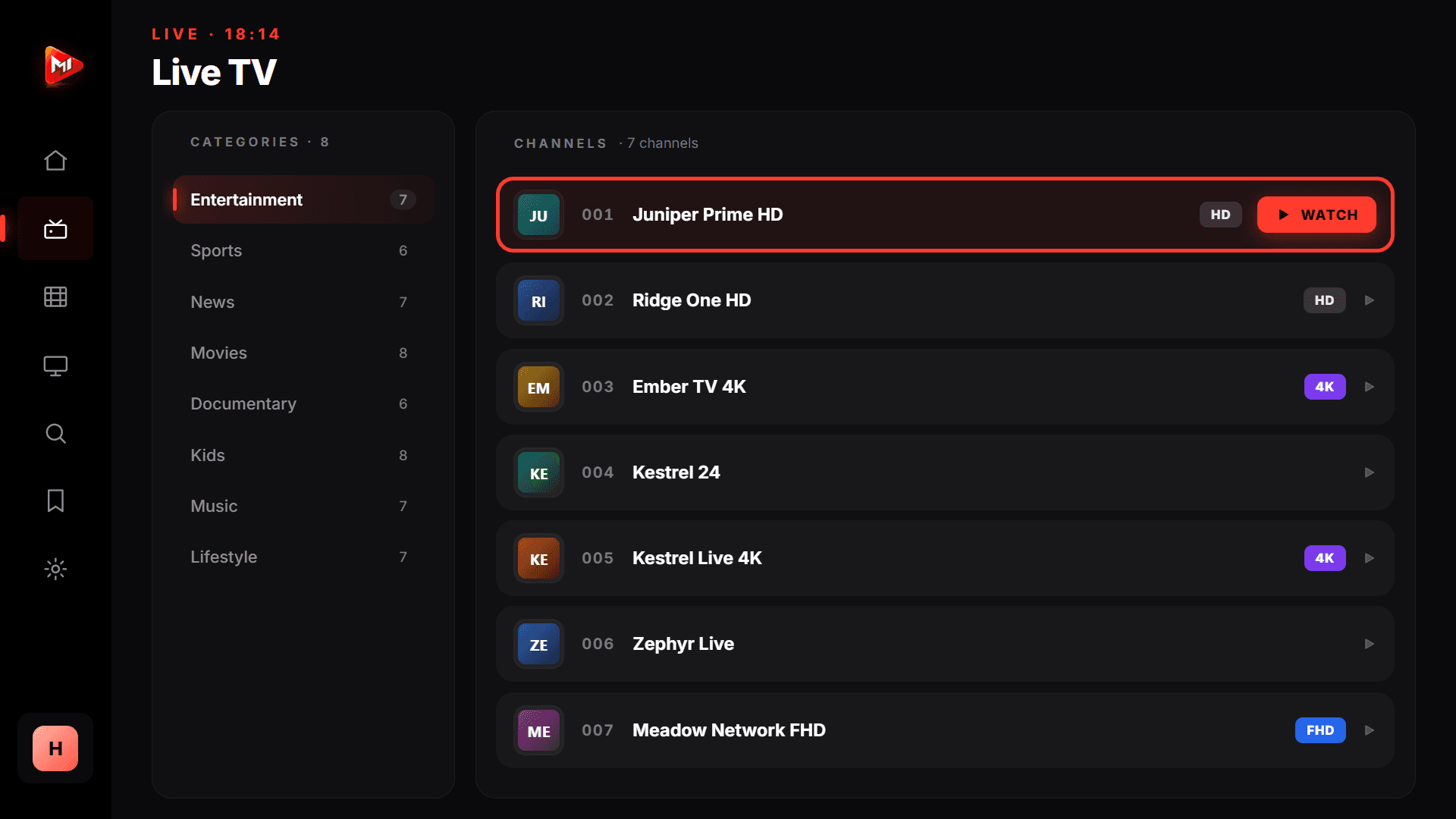
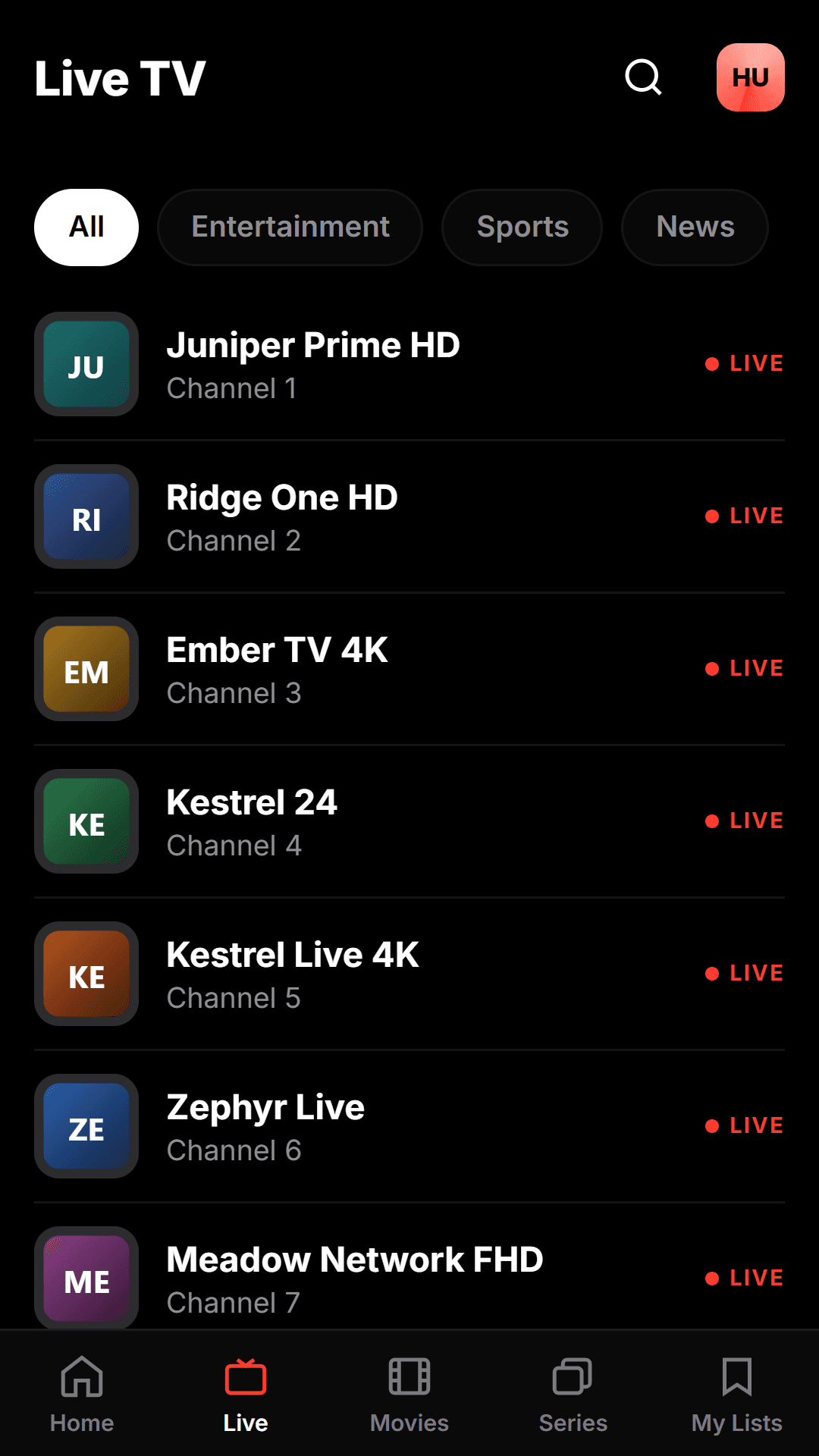
Live TV
Your channels line up with their logos; jump to live with one click and flip through channels smoothly. 4K/UHD streams in full quality.
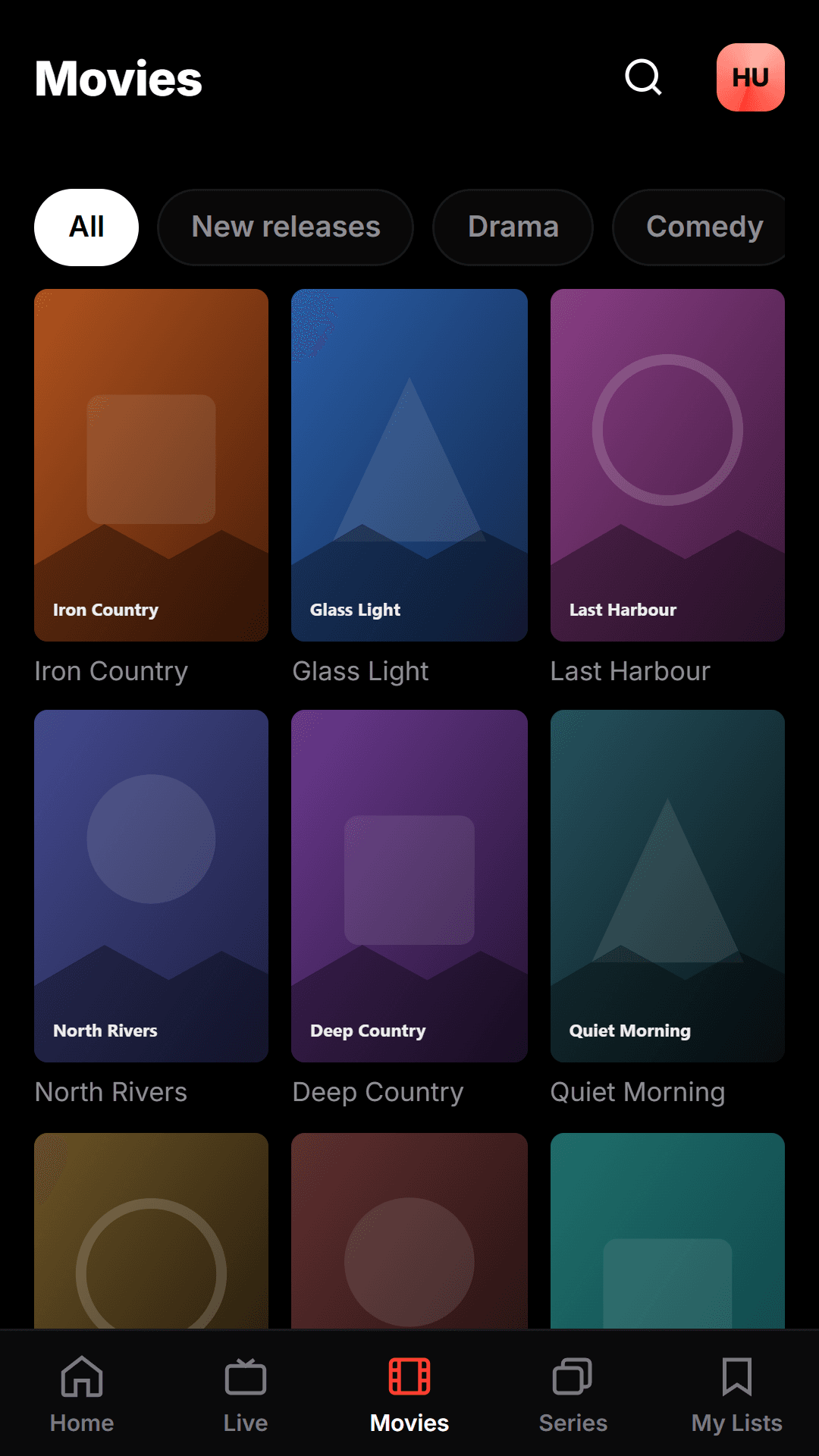
Movie Library
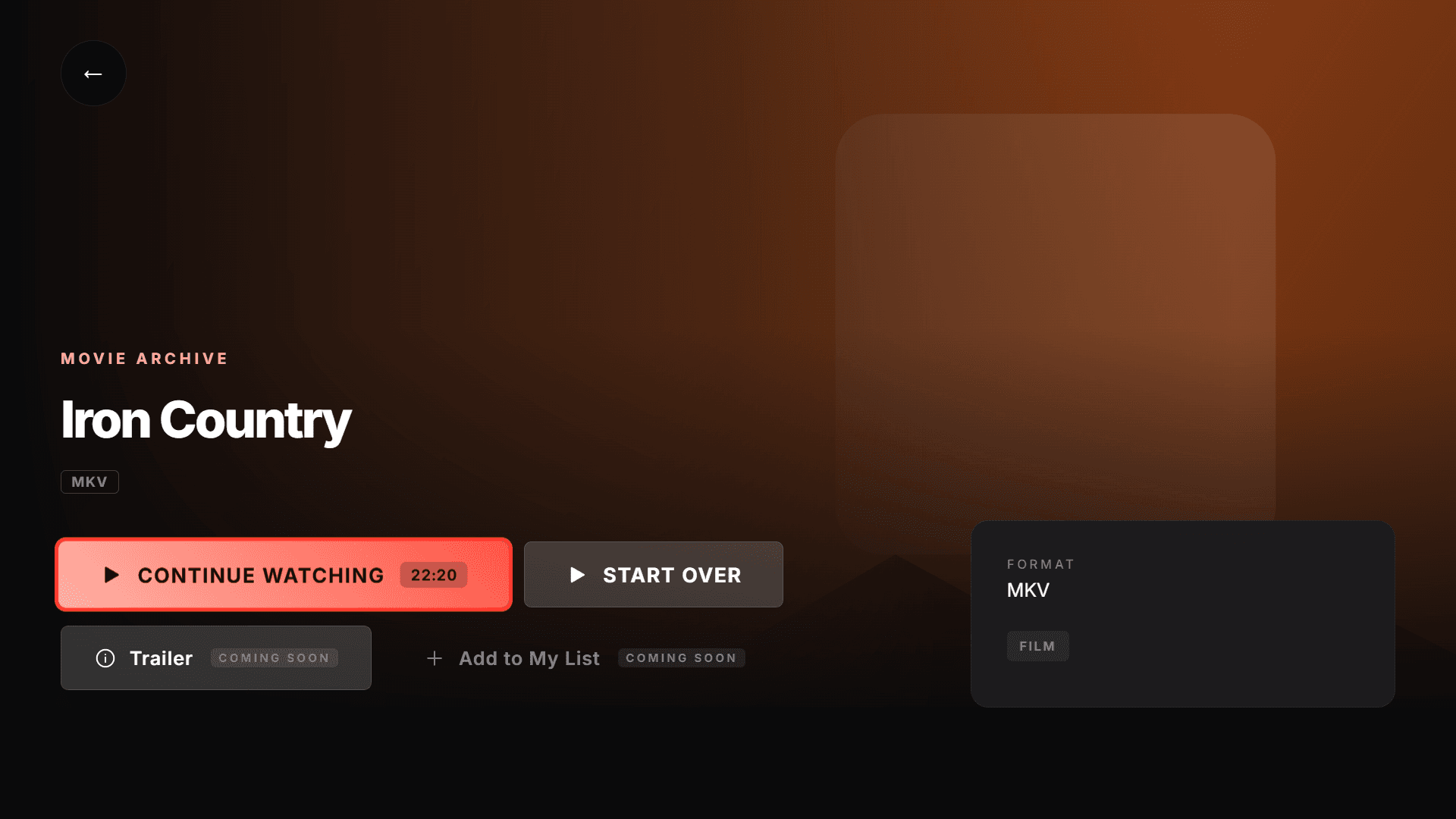
Browse a rich movie library laid out with posters; play from the detail page, watch the trailer, add to your list. Resume right where you left off.
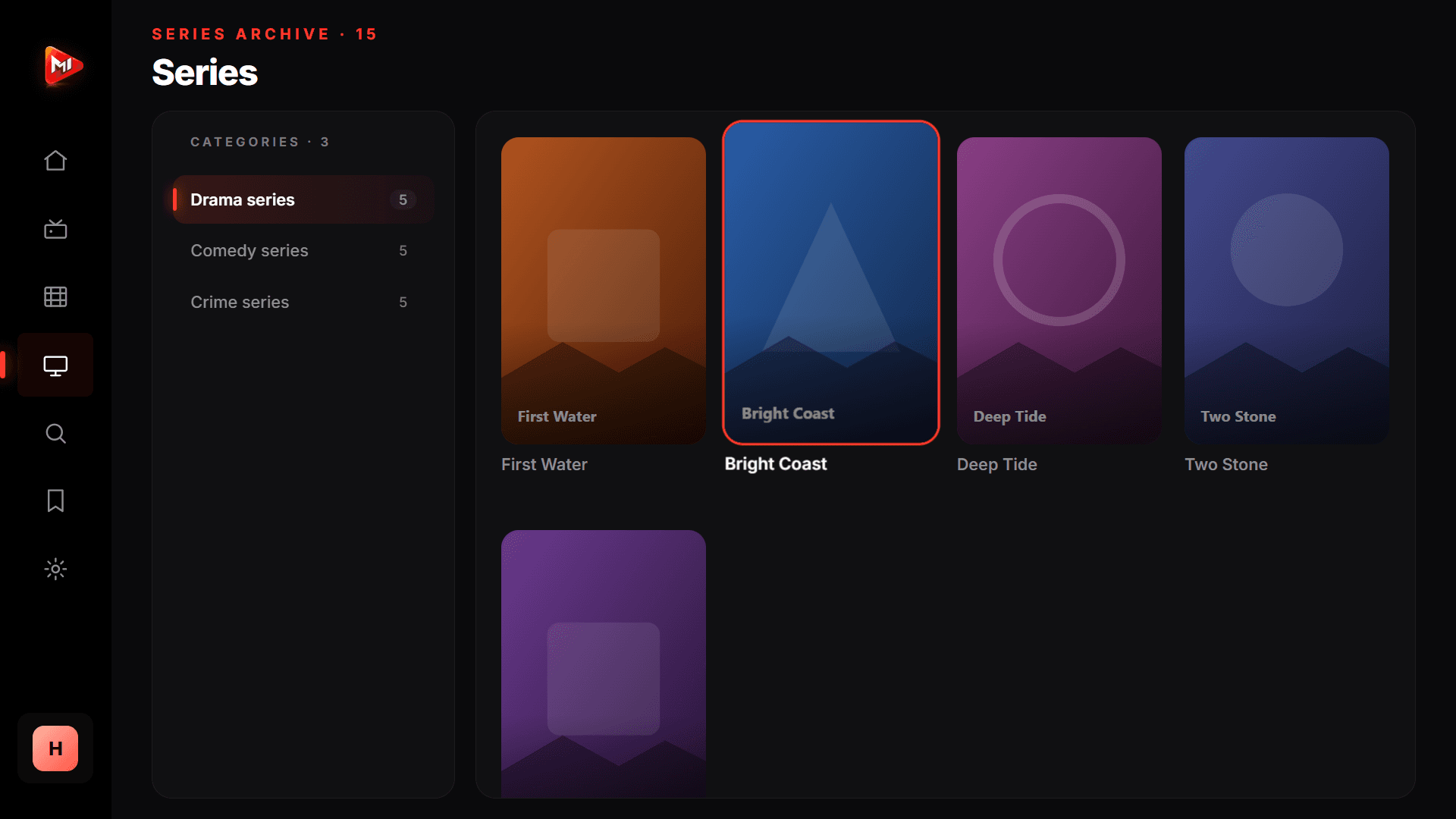
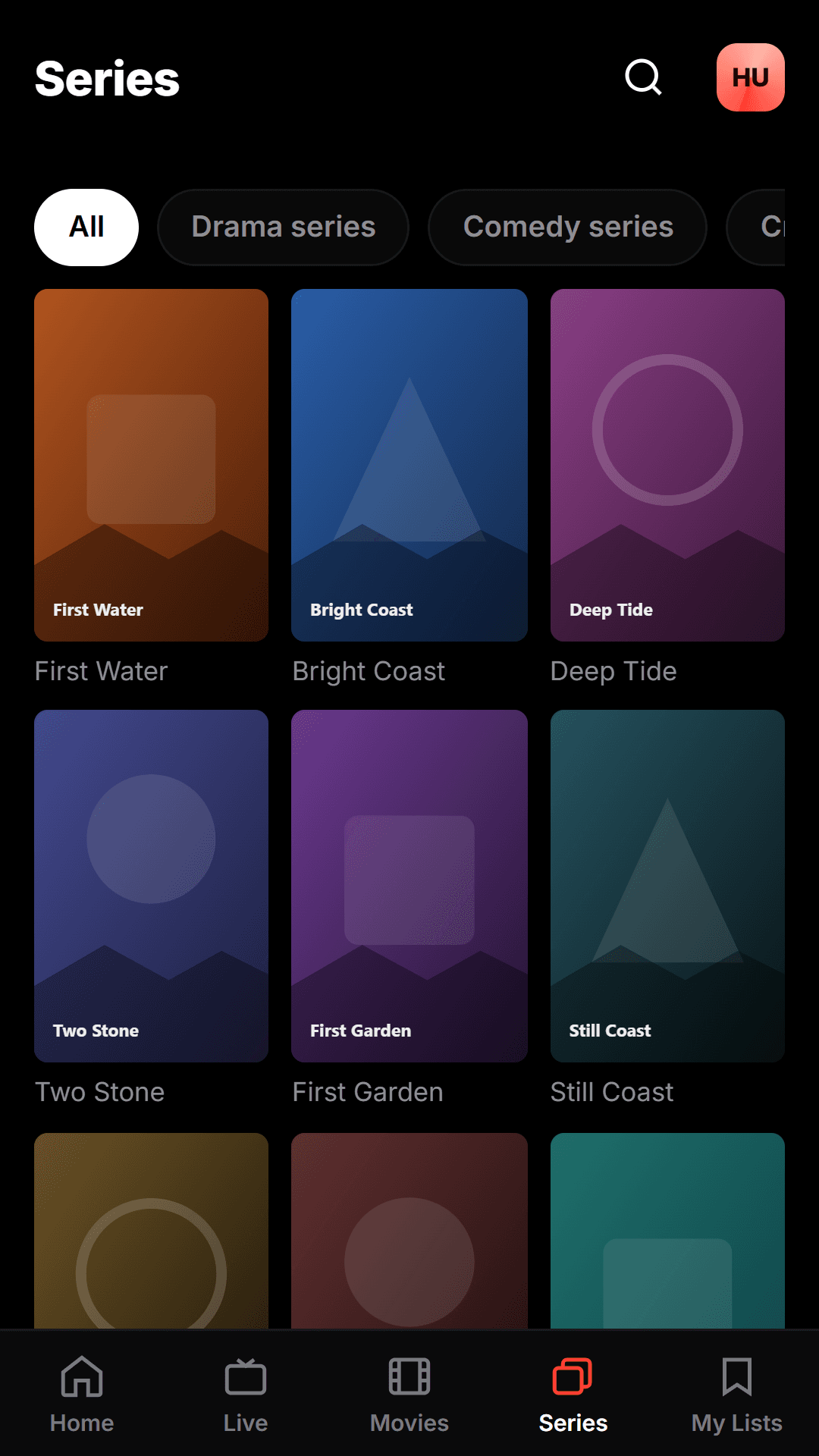
Series
Series are organized by season and episode; your progress is saved automatically and the next episode plays seamlessly.
Features
No complicated setup. Add your source and let Mi Player handle the rest.
Samsung Tizen, LG webOS, Android TV and Android phones. Same account, pick up where you left off on any screen.
Add your M3U link or Xtream Codes credentials; your channels, movies and series line up in seconds.
Live streams, a movie library and series with season/episode structure — all in one tidy interface.
Favorite what you watch most; your watch history and progress are saved automatically.
Your preferences, favorites and position stay the same on every device; pause on TV, continue on your phone.
No ads, no third-party trackers. Your data belongs only to you, protected with row-level security.
Platforms
One account, synced across all your devices. Pause on TV, pick up on your phone.
Samsung TV
Tizen 5.0+
LG TV
webOS 4.5+
Android TV
Google TV / Android TV
Android Phone
Android 7+
iPhone / iPad
iOS
Pricing
No hidden fees. Try free for 30 days and continue if you love it.
Adds 365 days to your access · works out at €0.83/month
No card details for the trial · No auto-renewal
FAQ
No. Mi Player is only a player; it does not provide, host or sell any channel, movie or series. You add and play your own M3U list or Xtream Codes subscription. The user is responsible for the legality of the content.
It works on Samsung (Tizen) and LG (webOS) smart TVs, Android TV/Google TV and Android phones. An iOS version is on the roadmap.
The trial does not start on its own: it begins when you tap "start the trial" in the TV or mobile app. It lasts 30 days, can be used once per account, and is tied to the device you start it on. No card details are required.
No. Plans are prepaid: when your time runs out, access stops and your card is not charged again. That also means there is no subscription to cancel — if you want to carry on, you simply buy again whenever you like, and any remaining days are not lost.
Try the app free for 30 days. No card details required, no auto-renewal.